Screen-free help
Children can ask for everyday help through voice, without opening a tablet or phone.
Hear an example
"It's time to put your library book in your school bag." No screen needs to come on.
One flat, three generations, three different ideas of what technology should do. Radiant Robotics sets up a shared household system with screen-free help for children, gentle support for seniors, and clear privacy boundaries for adults.
Each profile changes what the assistant can do and what it keeps. Shared routines bring the day together.
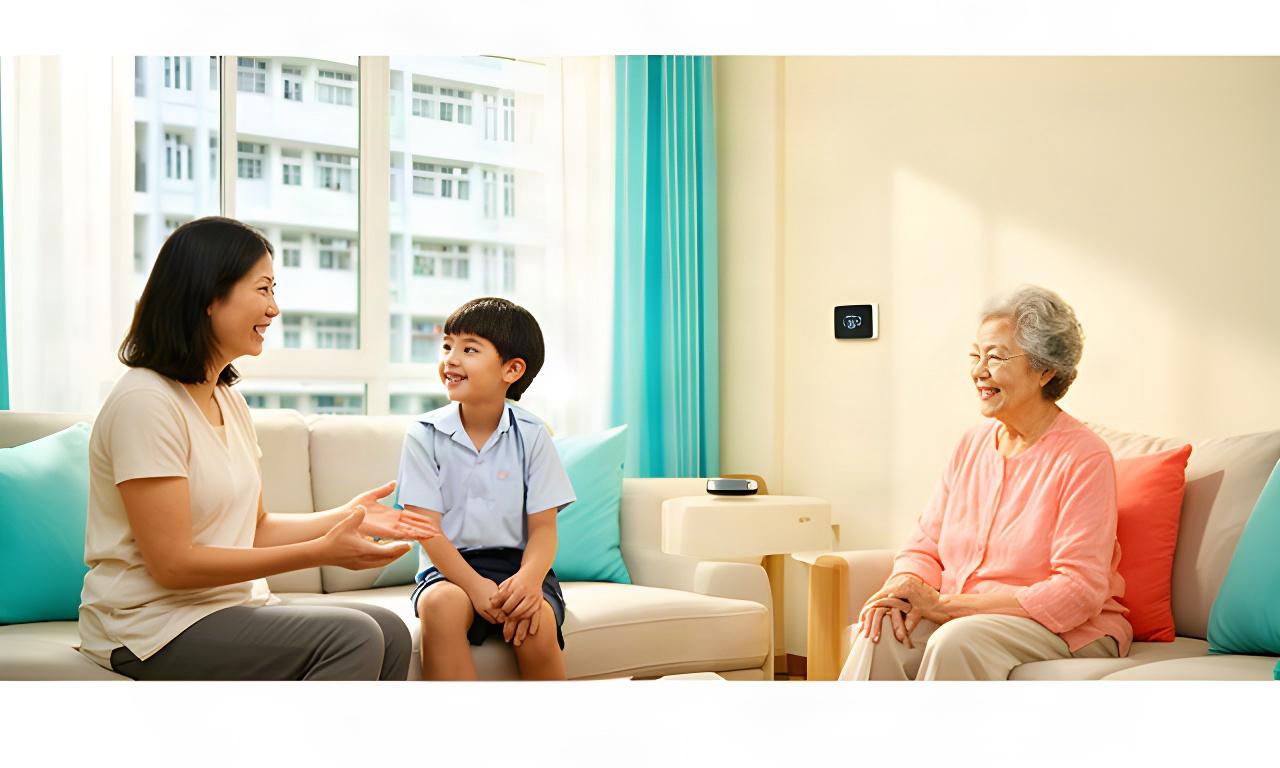
A child can ask for a spelling prompt or hear a reminder to pack a school bag. Adult-only settings stay out of reach.
A voice assistant can help without becoming another screen to manage. Parents set the response boundaries; children get age-appropriate prompts.
Children can ask for everyday help through voice, without opening a tablet or phone.
"It's time to put your library book in your school bag." No screen needs to come on.
Parents define which topics and types of response are suitable for a child's profile.
"Let's practise spelling one word at a time." The adult sets the learning prompt and response boundaries.
Children cannot change elderly care routines, monitoring preferences or alert settings.
Adult profiles keep safety and care controls separate from child voice access.
Use short spoken cues for reading practice, spelling and familiar daily routines.
"Would you like to read two pages before dinner?" Parents choose which prompts are active.
Set retention by profile, choose who can review household activity, and pause sensing in selected rooms. Children can have minimal interaction history while adults keep the access they need.
Clear controls. No guesswork.
Example controls for a family setup. Changes below update the summary.
Child history is available to adults. Senior reminders are enabled. Bedroom sensing is active.
A school morning can include a child's departure cue and a grandparent's reminder in one schedule. Each person gets the prompt that fits their day.
A spoken prompt helps a child remember their school bag. A separate reminder can follow the senior's agreed morning routine.
Lighting and air-conditioning can follow a quiet-hour schedule while an older family member rests. Room settings can be adjusted by the household.
Set reading-friendly light for homework, add a caregiver's wellness check reminder, then schedule an appliance shutdown for the evening.
Choose which adult is notified and what information is shared. The household agrees these steps in advance.
Use lighting scenes for homework, reading and winding down. Set air-conditioning around your household's sleep and comfort preferences, then adjust when rooms are empty.
A monthly household summary can help you see how your schedules change energy use.
Start with a comfortable shared temperature and warm, adjustable lighting for the evening routine.
Schedules are starting points. Your family chooses the temperature, timing and rooms that suit your home.
Bring children's routines and elder care needs into the same consultation. Settings can change as children grow and care needs shift.
Call +65 8980 6534 or email [email protected].